Game with a Cat
“Game with a Cat” was a true personal challenge: I set out to master a brand-new tool and programming language, learning Unity from the ground up and coding in C#. Through this project, I tackled—and overcame—the complexity of building a full combat system, sharpening both my technical skills and my problem-solving abilities.
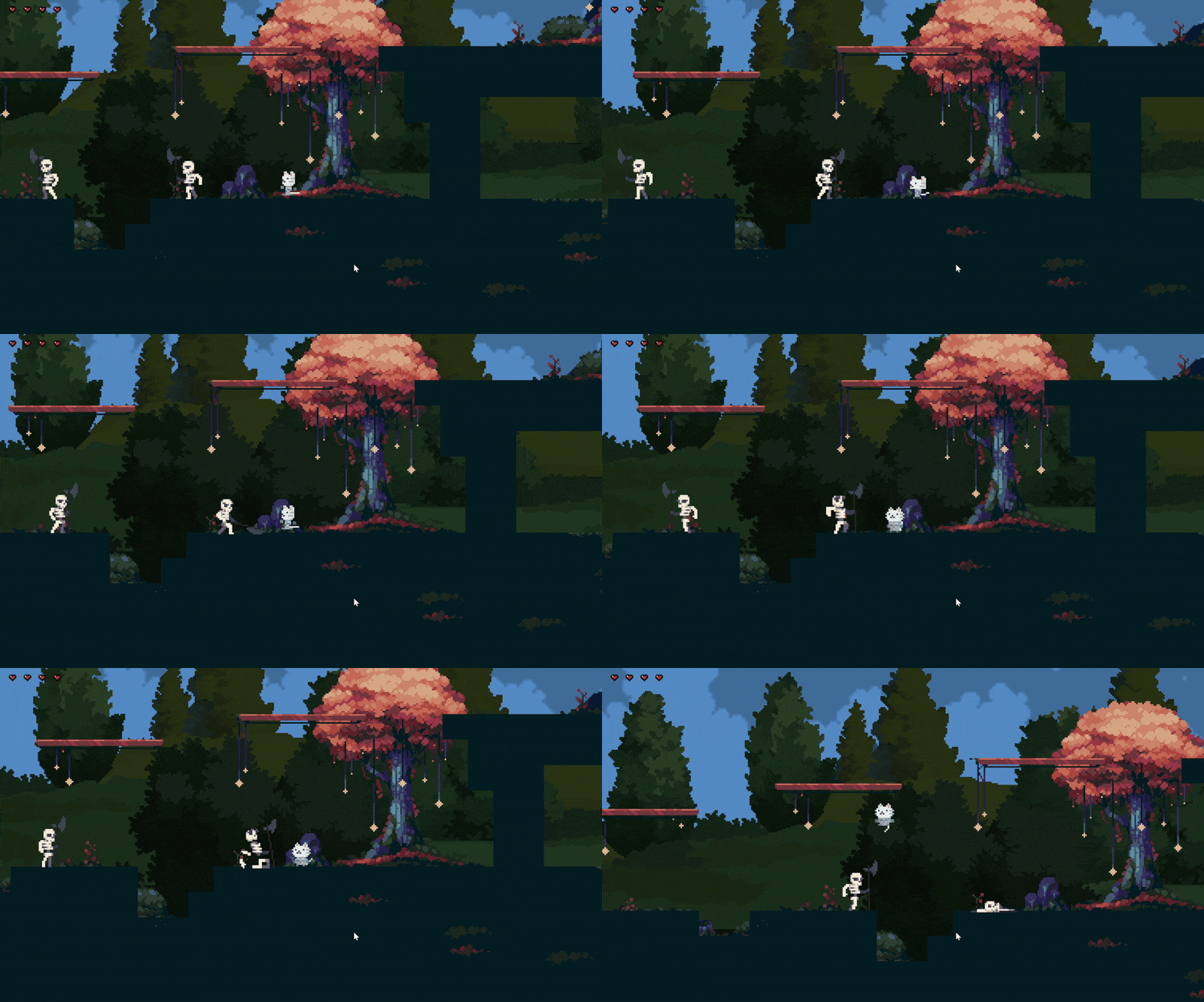
My Achievements
-
Mastered Unity’s editor, asset pipeline, scene management and component architecture
-
Learned C# scripting: MonoBehaviour lifecycle and OOP principles
-
Built a full combat system: combo input, AI state machines and hit-reaction logic
-
Added polish: animation blending, VFX/UI feedback, camera shake, slow-mo and SFX
-
Optimized performance: reduced draw calls, physics tuning, object pooling, mobile settings
-
Managed Git workflow with clear docs
-
Packaged builds for Windows
How it's Started
When I first dove into this project, I leaned heavily on Unity’s official documentation to get my bearings. I spent the opening days reading through the movement tutorials and experimenting in prototype scenes until I felt comfortable with the fundamentals. My very first feature was the player controller: I implemented smooth, responsive input handling, grounded checks, and basic physics-based movement directly in C#. Having this core mechanic in place gave me a solid foundation on which to build out the rest of the game’s systems.

My goal was to implement every available player animation before moving on to enemy behaviors. I focused on bringing to life idle, run, basic attack, combo attack, jump, death, and hit-reaction animations to ensure a polished character experience.
First implementation Idle Animation
I created a PlayerStateManager script to keep all my player’s behaviors in one place and make it easy to hook into animations.
Here’s what I did:
-
Defined every player state in a clear enum (Idle, Walking, Jumping, Falling, Attacking, Hurt, Dead), so I always know exactly what the character is doing.
-
Stored the current state privately and exposed it via a read-only property—no other script can accidentally overwrite it.
-
Fired an event (OnStateChanged) whenever the state actually changes, so I (or any future feature) can react, play sounds, spawn effects, update the UI, you name it.
-
Wrote a ChangeState() method that checks if the transition is valid (for example, you can’t go from Dead back to Jumping, updates the state, and skips any redundant or forbidden switches.
-
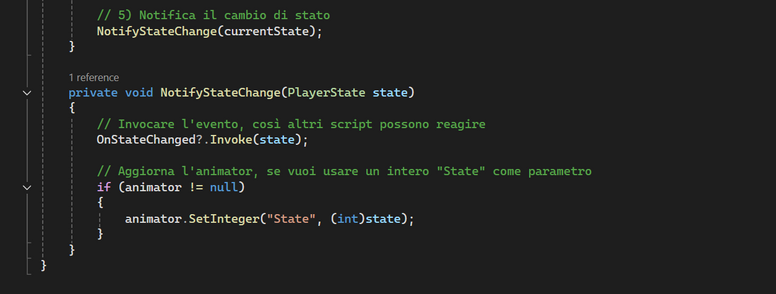
Connected it to the Animator by grabbing the Animator component in Awake() and calling animator.SetInteger("State", (int)currentState) every time the state changes. That way my Animator Controller just listens to one “State” parameter and handles smooth transitions.
This setup cleanly separates my game logic from the animation rules, makes it super easy to add new states later, and keeps everything organized—exactly what I needed to build complex movement, attacks, and reactions without spaghetti code.
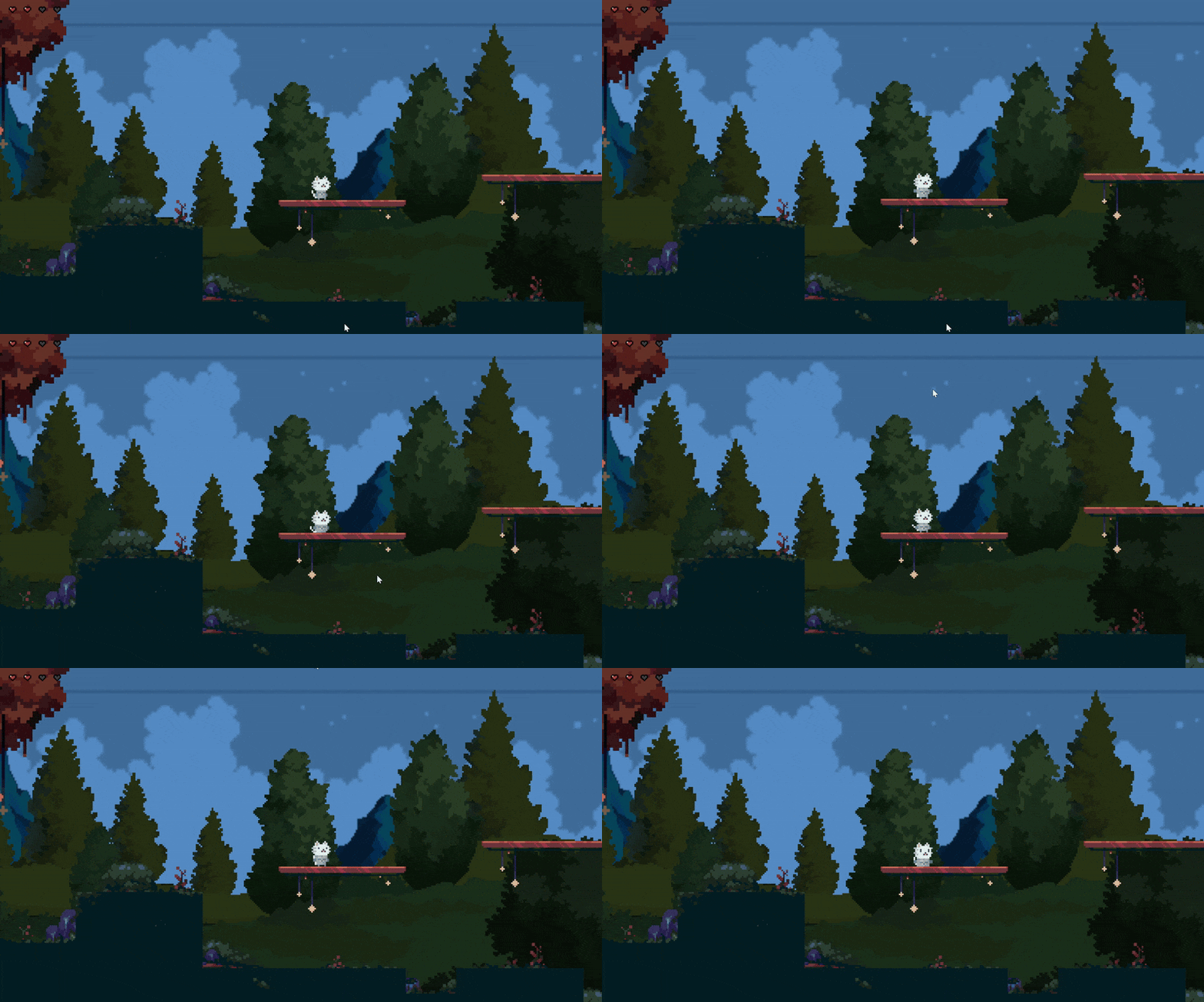


This method looks at where the player is and how they’re moving, then picks the right state:
-
If the player is on the ground, it checks if they’re pressing left or right. If yes, it goes to Walking, otherwise Idle.
-
If they’re touching a wall but not the ground, it forces Idle so they don’t play a jump or fall.
-
If they’re in the air, it checks their vertical speed: moving up = Jumping, moving down = Falling.
Each time it calls ChangeState(...), which updates the animation.
Walking and Jumping

For the combat system, I adopted a modular, event-driven approach: I broke down each responsibility (attack timing, hit detection, health management, and state transitions) into its own script. By defining clear interfaces and firing state change and damage events, I was able to develop and test each piece in isolation, then wire them together.
This ensured the combat felt responsive and polished, while keeping the codebase clean and easy to extend with new attacks or player behaviors.
Combat System
What I did:
-
Listened for Attack input and enforced a global cooldown
-
Stepped through a combo sequence, advancing if the next attack is queued in time
-
Triggered the correct animation by setting an Animator ComboStep parameter
-
Enabled the matching hitbox collider for the precise animation frame
Base Attack & Combo Logic
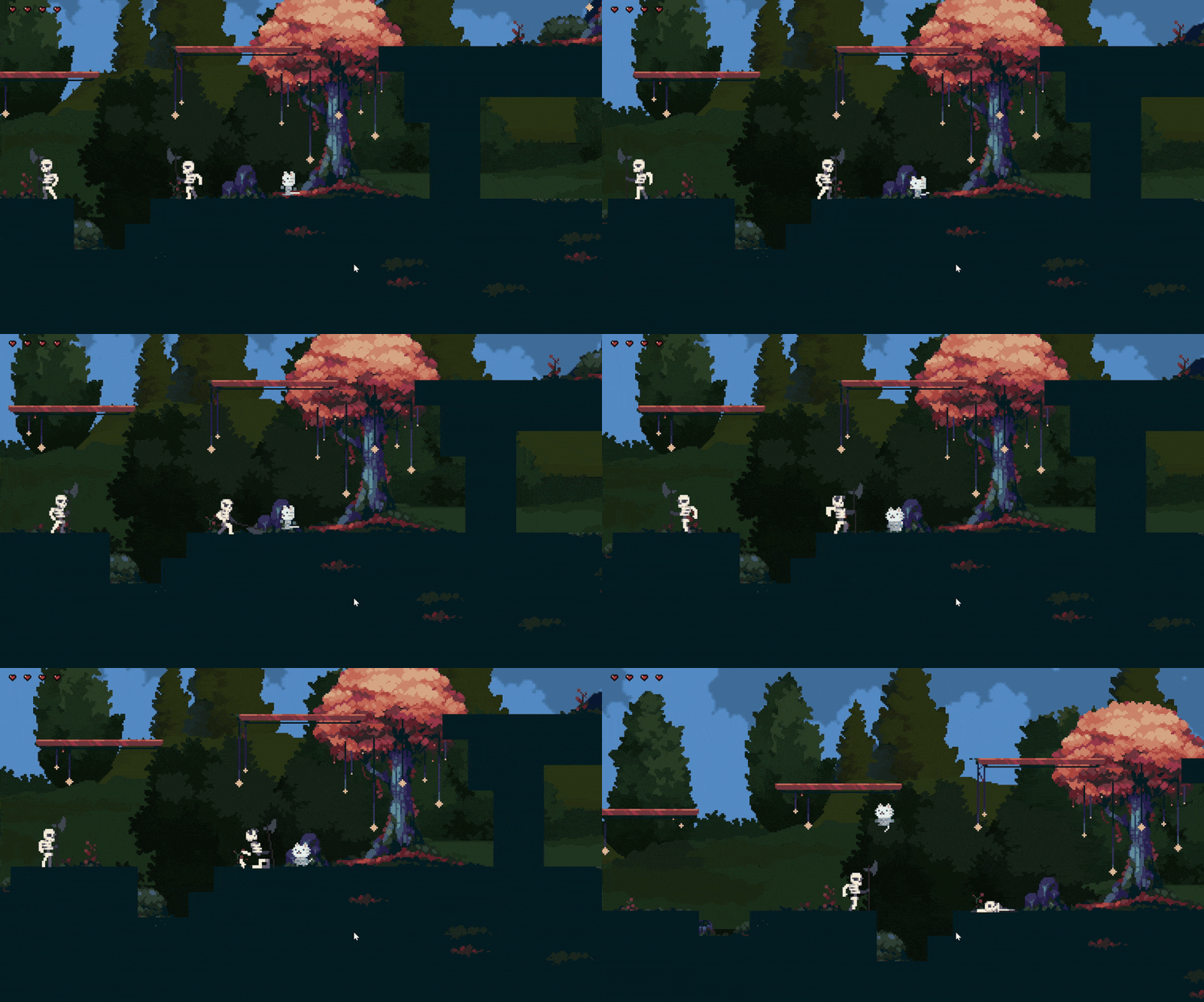


Here you can see how the State Manager and the Animator handle togheter the combact
Here you can see how the State Manager and the Animator handle togheter the combact
What I did:
-
Created reusable Hitbox components, each with its own damage, range, and knockback settings
-
On collision, called TakeDamage(damage) on enemies and applied a recoil to the player
-
Kept this entirely separate from combo logic so I can tweak damage or knockback without touching attack code
Hit Detection & Recoil